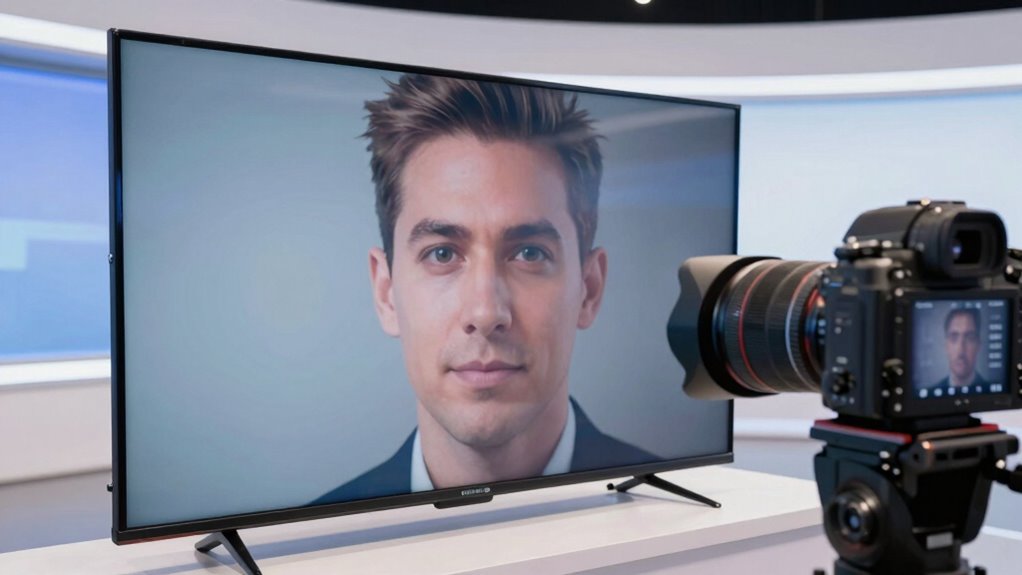
Choosing the right glass size ensures you can see your script clearly while maintaining a natural look. Pick apps that are user-friendly and compatible with your device to keep your presentation seamless. Master eye-line tricks like subtly shifting your gaze to appear confident and engaged. Adjust your lighting and environment to improve visibility and reduce glare. Keep experimenting with these tips, and you’ll discover how to optimize your teleprompter setup for a smooth, professional delivery.
Key Takeaways
- Select a glass size that balances reflection surface and eye contact, typically 12-15 inches for optimal performance.
- Use teleprompter apps like Teleprompter Premium or PromptSmart Pro for customizable scripts and adjustable fonts.
- Match lighting and environment to ensure clear visibility and natural eye-line, adjusting screen brightness accordingly.
- Practice eye-line techniques such as subtly shifting gaze and focusing on the glass to simulate direct eye contact.
- Troubleshoot issues like flickering or scrolling problems by checking connections, updating apps, and optimizing lighting setup.
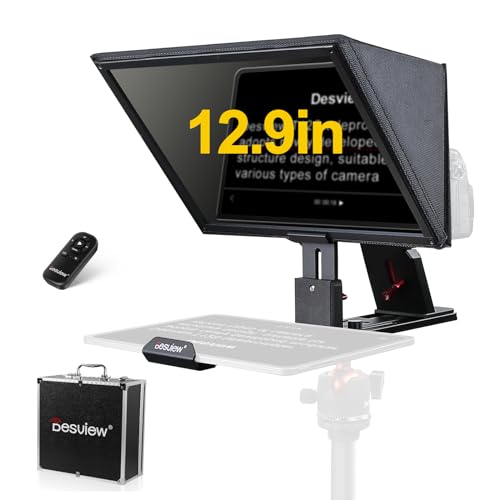
Desview T12S Teleprompter 12.9 inch Metal Teleprompter High Display Glass Compatible with Smartphone Tablet ipad Camera Easy Assembly Carry Case Included Great Partner for Video Making
【Compatible with DSLR/ Mirrorless Camera/Camcorder】Accommodates any ipad or tablet up to 12.9 Inches, when live online, without having…
As an affiliate, we earn on qualifying purchases.
As an affiliate, we earn on qualifying purchases.
How Does Glass Size Affect Teleprompter Performance?
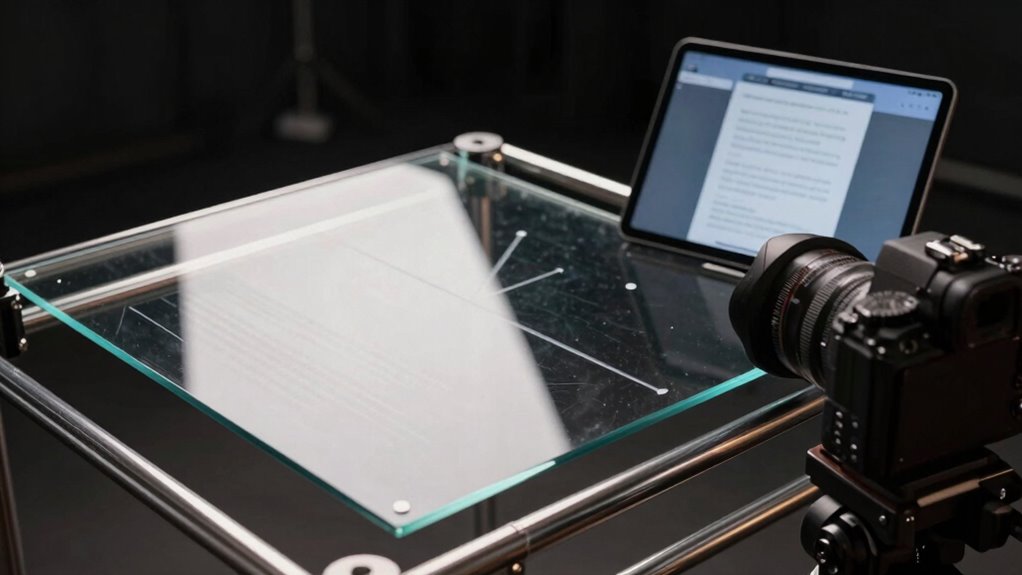
The size of the glass in a teleprompter directly impacts how well you can read the script and maintain eye contact with your audience. A larger glass provides a broader reflection surface, making it easier to see the entire script without shifting your gaze. This leads to a smoother delivery and enhances your viewer experience. Conversely, a smaller glass may require you to frequently glance away or shift your focus, which can disrupt your connection with the audience. The right glass size ensures your eyes stay aligned with the camera, creating a natural, engaging appearance. Additionally, reflection quality can vary depending on the glass size, affecting how clearly you see the script. Proper glass maintenance is also essential to prevent fogging or smudges that could impair visibility. The optimal size of the glass depends on your specific camera setup and personal preference, emphasizing the importance of testing different options. Interestingly, understanding how digital distractions influence our focus can help you choose a glass that minimizes visual clutter and keeps your attention fixed. Moreover, selecting the appropriate glass thickness can improve durability and reduce glare, further enhancing your reading experience. Ultimately, choosing a suitable glass size helps you deliver your message confidently, making your presentation more professional and keeping viewers engaged throughout.

Teleprompter iPhone & Android, Double Phone Holder for Video Recording, Neewer Teleprompter Kit, The Collapsing Design Allows for Easy Storage and Transport 20" Desk Version Strengthened
【Dual Phone Clip Design】2 Phone Mounts for Phone Camera and Phone Teleprompter. Transform Your Leave Unused Phone into…
As an affiliate, we earn on qualifying purchases.
As an affiliate, we earn on qualifying purchases.
What Are the Best Teleprompter Apps for Seamless Use?
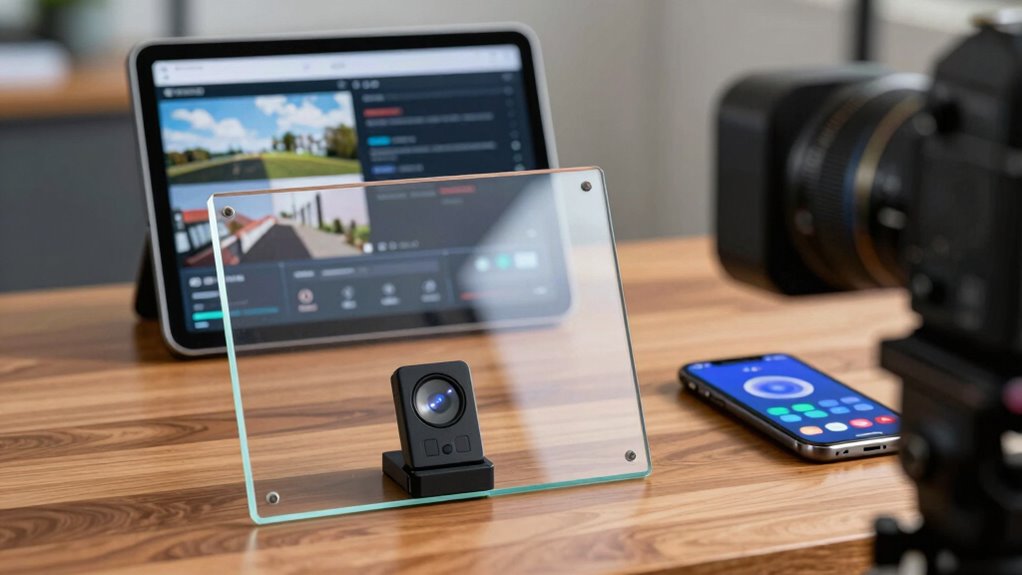
Choosing the right teleprompter app can make a significant difference in how smoothly your presentations flow. Look for apps that offer robust script customization options, allowing you to easily edit, format, and organize your content. The best apps also prioritize font readability, so you can select sizes and styles that reduce eye strain and improve visibility during recordings or live sessions. User-friendly interfaces and reliable performance are essential for seamless use, ensuring your prompts scroll smoothly without glitches. Some popular options include Teleprompter Premium, PromptSmart Pro, and BIGVU Teleprompter. These apps combine flexible script management with clear, adjustable fonts, helping you deliver confident, natural presentations every time. Picking the right app enhances your overall professionalism and presentation quality.

GVM Teleprompter Kit for Digital Cameras/camcorders Portable 18.5'' Teleprompter Kit with Remote Control & App,with 18.5" Android All-in-One Monitor and Carry Case
【HD Display Easy to Read】The teleprompter 70/30 beam splitter provides clear, easy-to-read text for your broadcasters. The back…
As an affiliate, we earn on qualifying purchases.
As an affiliate, we earn on qualifying purchases.
How to Match Your Hardware and Software to Your Presentation Environment
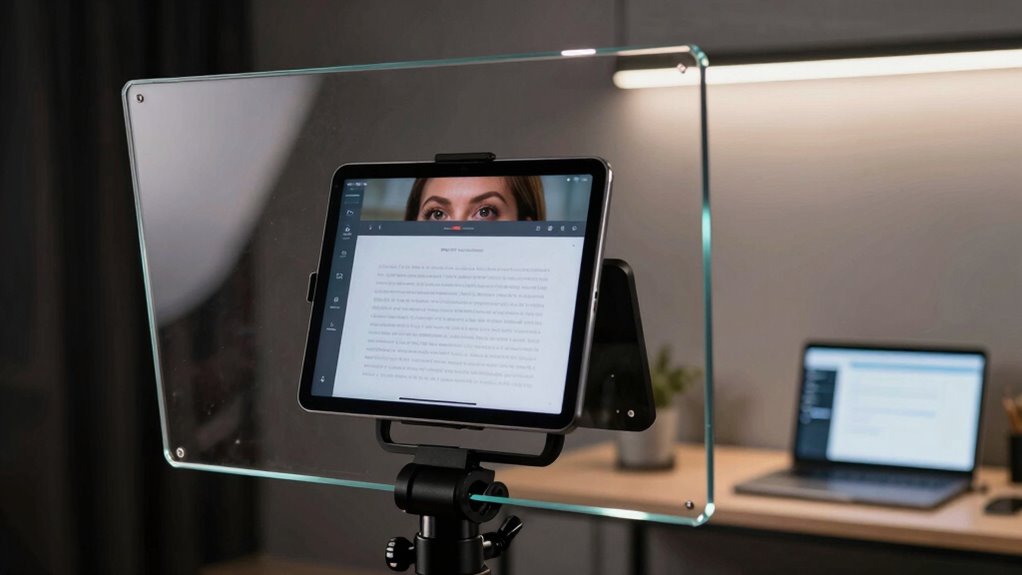
Matching your hardware and software to your presentation environment is essential for guaranteeing a smooth and professional delivery. Your lighting setup influences how clearly the teleprompter is visible and how your expressions are perceived. Proper speaker positioning helps maintain eye contact and avoid awkward angles that can distract your audience. Use this table to evaluate your environment:
| Environment Factor | Ideal Solution |
|---|---|
| Bright lighting | Use anti-reflective screens and adjust lighting |
| Dim lighting | Increase screen brightness |
| Large room | Opt for larger glass teleprompters |
| Small room | Compact setup with close camera and mic |
| Speaker positioning | Keep camera at eye level and centered |
Adjusting hardware and software based on these factors guarantees your presentation flows naturally and confidently.
teleprompter lighting setup
As an affiliate, we earn on qualifying purchases.
As an affiliate, we earn on qualifying purchases.
Eye-Line Tricks to Look Natural and Keep Your Audience Engaged
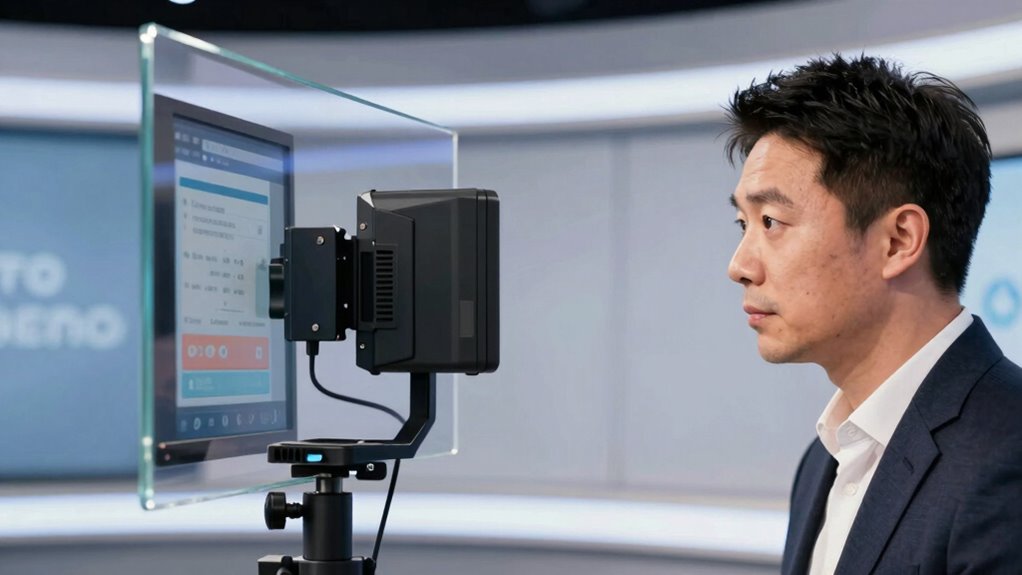
Maintaining natural eye contact with your audience can be challenging when using a teleprompter, but mastering this skill keeps viewers engaged and makes your delivery more authentic. To achieve this, focus on blending your facial expressions with your eye contact, creating a warm and genuine connection. Instead of staring directly into the camera all the time, occasionally shift your gaze slightly, giving the illusion of eye contact without losing your script. Use subtle facial expressions to emphasize key points and convey emotion, helping your audience stay engaged. Practice looking at the teleprompter’s glass as if you’re making eye contact, which helps your delivery feel more natural. Incorporating visual cues can further enhance your ability to simulate natural eye contact and keep your audience engaged. Additionally, understanding how to manage your eye-line tricks can improve your overall presentation skills and make your delivery more compelling. Employing techniques like gaze shifting can help maintain a natural appearance and establish a stronger connection with viewers. Developing an awareness of peripheral vision can also help you monitor your surroundings and respond naturally during your presentation. Being mindful of your camera positioning can also contribute to a more authentic and engaging presentation style.
Troubleshooting Common Teleprompter Problems and Tips for Optimization
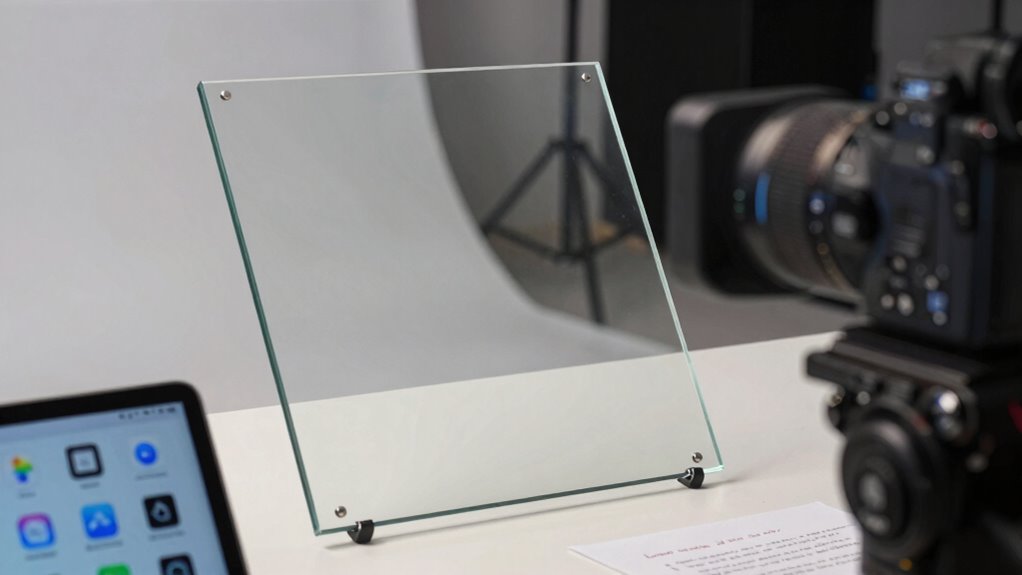
Even with careful setup, teleprompters can sometimes encounter issues that disrupt your flow. Common problems include flickering screens, inconsistent scrolling, or poor visibility. To troubleshoot, first check your camera positioning; ensure it’s aligned so you’re looking directly into the lens, not down or away. Next, review your lighting setup—glare or shadows can make the script hard to read. Adjust your lights to minimize reflections on the glass and improve contrast. Use this table as a quick reference:
| Issue | Solution | Tip |
|---|---|---|
| Flickering screen | Check connections and power supply | Use a stable power source |
| Slow/unsynchronized scroll | Update or reinstall app | Restart device |
| Poor visibility | Adjust lighting and contrast | Use soft, even lighting |
Proper camera positioning and lighting setup are key for smooth, professional delivery. Additionally, maintaining your gear and properly disposing of eco-friendly materials can help ensure your setup remains reliable over time.
Frequently Asked Questions
How Does Ambient Lighting Impact Teleprompter Readability?
Ambient lighting considerably impacts your teleprompter readability by affecting screen visibility and causing glare issues. When the lighting is too bright, it creates reflections on the glass, making it harder to read the text clearly. Conversely, dim lighting improves readability but may cause eye strain. Adjust your ambient lighting to reduce glare and ensure consistent visibility, so you can read smoothly without distractions or discomfort.
Can Teleprompters Be Used Outdoors Effectively?
Yes, teleprompters can be used outdoors effectively if you consider outdoor lighting and wind resistance. Bright sunlight can make screens hard to read, so use high-brightness displays and anti-glare filters. Secure your setup with wind-resistant mounts or weights to prevent movement. You might also opt for outdoor-specific teleprompters designed to withstand environmental factors, ensuring clear visibility and stable performance during outdoor shoots.
What Are the Power Options for Portable Teleprompters?
Imagine you’re filming outdoors and need reliable power; portable teleprompters typically use battery options like rechargeable lithium-ion batteries or external power sources. These batteries provide convenience and mobility, allowing you to stay powered without cords. Some models also support power banks, ensuring you won’t run out of juice during long shoots. Always check your teleprompter’s compatibility with various power sources to keep your production seamless and uninterrupted.
How Do Different Camera Types Integrate With Teleprompters?
You can integrate different camera types with teleprompters by making certain your camera compatibility and considering lens options. For mirrorless and DSLR cameras, use appropriate mounting brackets and guarantee your camera’s output matches the teleprompter’s input. Wide-angle lenses work best to prevent vignetting, while telephoto lenses might cause issues. Always check your camera’s size and lens compatibility beforehand to ensure smooth integration and clear sightlines during filming.
Are There Security Concerns With Teleprompter App Data?
Did you know that 60% of users worry about data privacy with teleprompter apps? Yes, there are security concerns you should consider. Your app security is vital because sensitive scripts or personal info could be vulnerable if the app lacks proper encryption. Always choose apps with strong data privacy measures, update regularly, and review permissions to protect your content and personal data from potential breaches.
Conclusion
Choosing the right teleprompter setup can boost your confidence and engagement. Did you know that 85% of speakers report better eye contact and smoother delivery when using a well-matched teleprompter? By selecting the right glass size, compatible apps, and mastering eye-line tricks, you’ll connect more naturally with your audience. Keep troubleshooting and optimizing your gear, and you’ll deliver presentations that leave a lasting impression every time.