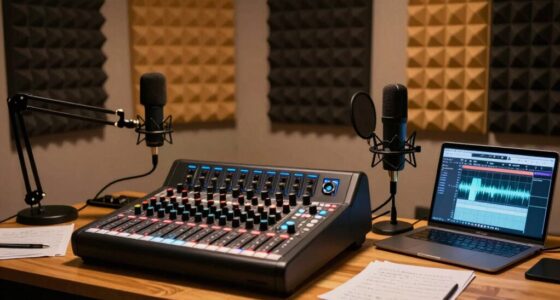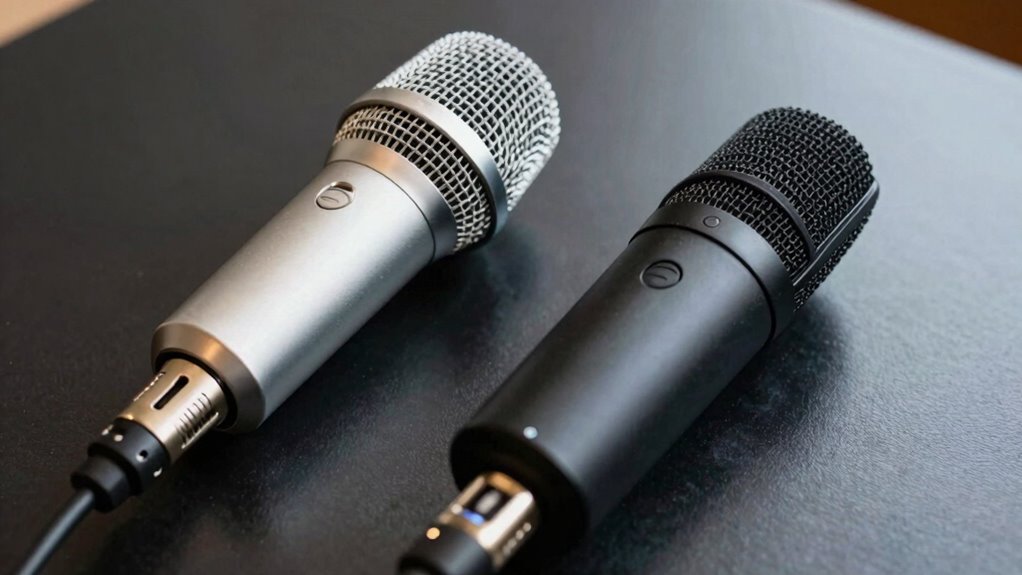
Choosing between XLR and USB microphones depends on your budget, environment, and future goals. USB mics are simple, portable, and great for casual setups, while XLR offers better quality, control, and expansion options for serious podcasting. Your choice also hinges on audio quality, setup ease, and long-term plans. To get the full picture and find what suits your needs best, discover more about each option’s strengths and limitations.

Get art and craft supplies delivered free with Prime
- Fast, free delivery on millions of items
- Prime Video, Amazon Music and more included
- Member-only deals all year
Key Takeaways
- XLR offers higher audio quality and control, ideal for professional studio setups, but requires extra equipment and setup complexity.
- USB microphones provide convenience, portability, and ease of use, making them suitable for beginners and quick recordings.
- Budget, environment, and future needs influence whether an XLR or USB microphone is the better choice.
- Proper placement and acoustic treatment enhance sound quality, regardless of microphone type.
- Additional accessories and setup considerations can significantly impact overall podcast audio performance.
As an affiliate, we earn on qualifying purchases.
What Are the Main Differences Between XLR and USB Microphones?
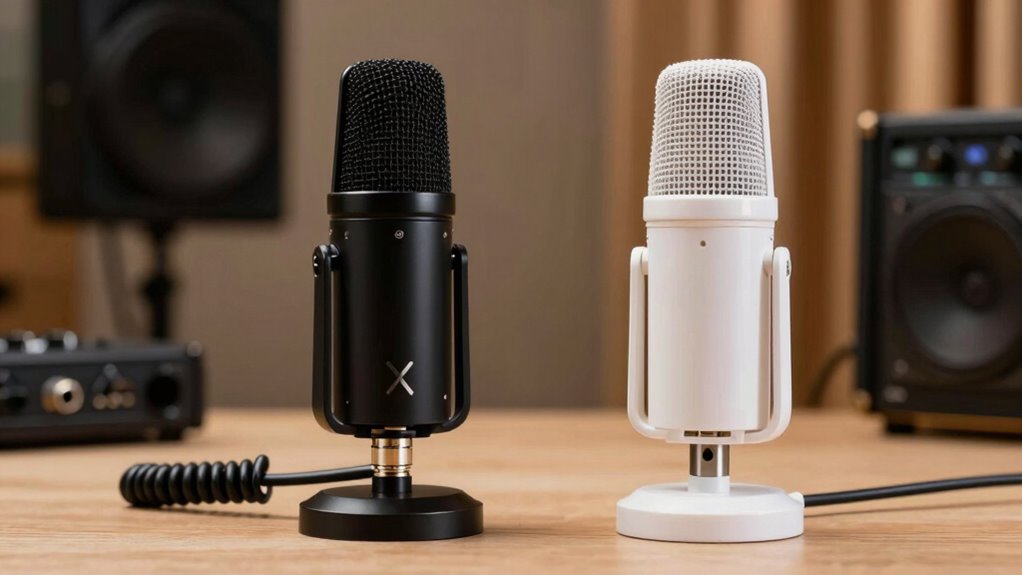
Have you ever wondered what sets XLR and USB microphones apart? The main differences lie in podcast compatibility and portability options. USB microphones connect directly to your computer via USB, making them easy to use without extra equipment. They’re ideal if you want a simple setup and portability for recording on the go. XLR microphones, on the other hand, require an audio interface or mixer, which adds complexity but offers higher audio quality and more control. While USB mics are great for quick, mobile recordings, XLR mics are better suited for studio environments where you prioritize professional sound. Your choice depends on whether you need a straightforward, portable option or a more flexible, high-quality setup. Additionally, understanding digital audio concepts can help you make more informed decisions about your microphone setup.
Which Microphone Is Best for Your Podcasting Needs?
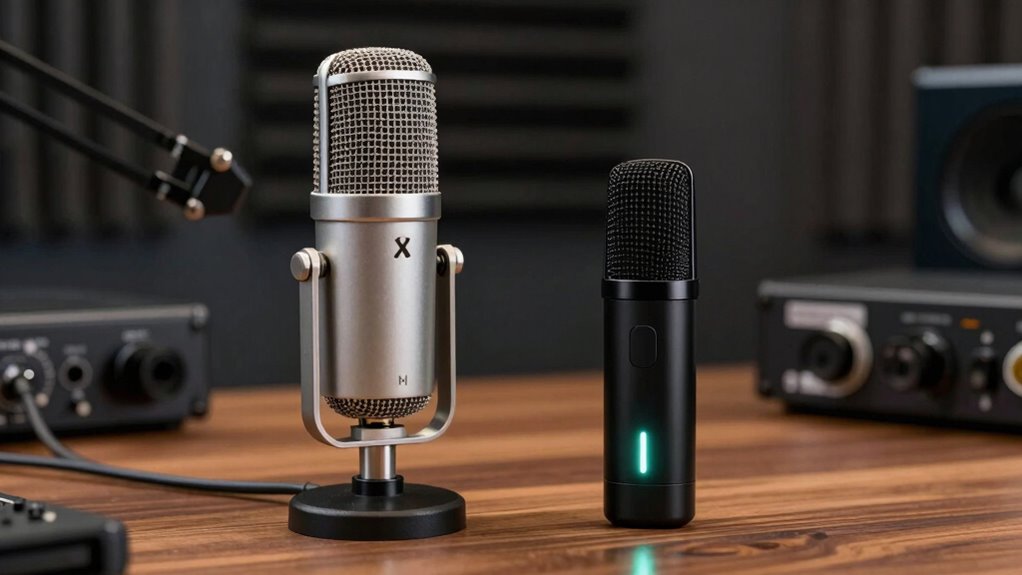
Choosing the right microphone depends on your budget and recording environment. If you’re just starting out or have a limited budget, certain models may be more affordable while still delivering good quality. Consider whether your space is quiet or noisy, as this can influence which microphone type will work best for your podcasting needs. Additionally, understanding multi-microphone setups can help you expand your recording capabilities as your podcast grows. It’s also helpful to recognize how different sound capture technologies affect audio clarity and background noise. Knowing about measurement tools used in audio equipment can further aid in selecting equipment that ensures precise sound quality. Furthermore, being aware of environmental acoustics can help optimize your recording space for clearer audio, especially when considering soundproofing options to minimize unwanted noise.
Budget Considerations
When selecting a microphone for your podcast, your budget plays a crucial role in narrowing down your options. Conducting a cost analysis helps you determine what fits within your financial limits while still meeting your quality needs. Budget options vary widely, from affordable USB mics ideal for beginners to more expensive XLR models suitable for professional setups. Keep in mind that investing in a higher-quality microphone can improve sound clarity and reduce post-production work, but it’s essential to balance cost with your current needs. Additionally, understanding the differences in microphone technology can help you make a more informed decision. For example, Free Floating designs can minimize vibrations and handling noise, enhancing audio quality. Ultimately, choosing a microphone that aligns with your budget ensures you start strong without overspending or compromising on essential features.
Recording Environment
Are you aware of how your recording environment impacts the microphone you should choose? If you face soundproofing issues or struggle with ambient noise, it influences your microphone selection considerably. In noisy rooms, an XLR microphone with a tight cardioid pattern can help reject background sounds better than a USB mic. Conversely, if your space is relatively quiet but has some echo or reflective surfaces, using a USB microphone with a built-in pop filter and good off-axis rejection can improve clarity. Consider whether you can improve your environment through soundproofing or acoustic treatment; this might allow a more flexible microphone choice. Recognizing your environment’s limitations ensures you select a microphone that captures clear audio while minimizing unwanted noise. Additionally, understanding soundproofing techniques can significantly enhance your recording quality and expand your microphone options.
How Do XLR and USB Microphones Compare in Sound Quality?
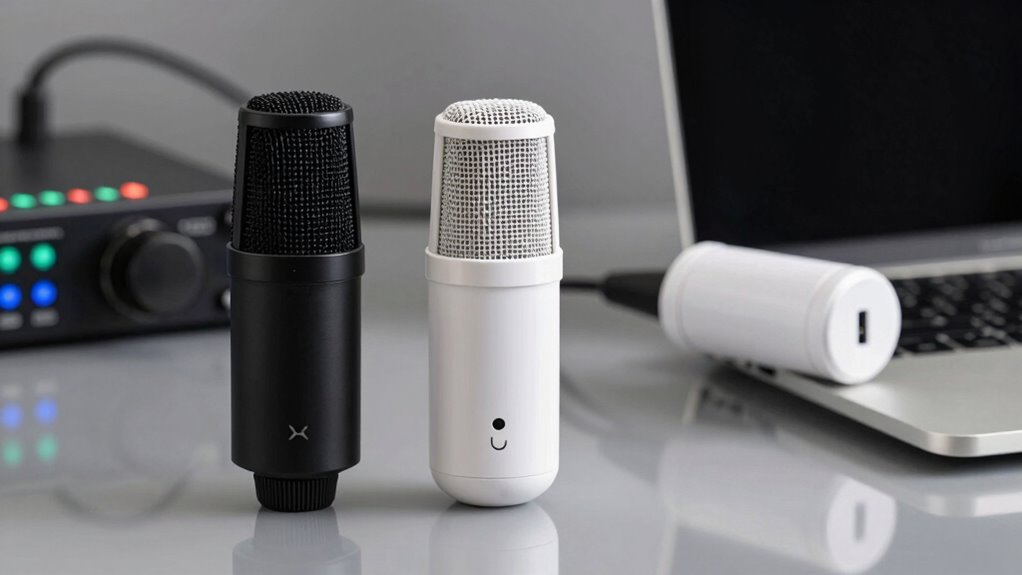
XLR and USB microphones differ markedly in sound quality, which can impact your recordings depending on your needs. XLR microphones generally provide better sound clarity due to their higher-quality components and ability to handle more complex audio signals. They often include features that enhance noise reduction, resulting in cleaner recordings, especially in challenging environments. Additionally, preamp quality and audio interface compatibility play important roles in achieving optimal audio performance. The quality of the audio interface used with an XLR microphone can significantly influence the overall sound output. Proper microphone placement also plays a crucial role in capturing clear audio and maximizing the benefits of an XLR setup. Achieving optimal results with XLR microphones often involves understanding and managing signal chain considerations, which can be more intricate than with USB options. USB microphones, while convenient, tend to have built-in digital interfaces that can limit sound clarity and may introduce more background noise. However, modern USB mics have improved remarkably, offering decent audio quality for casual use. Ultimately, if you prioritize professional sound and noise reduction, an XLR microphone is the better choice. For ease and simplicity, a USB microphone may suffice, but it might not match the audio fidelity of an XLR setup.
Is Setting Up an XLR or USB Microphone Easy?
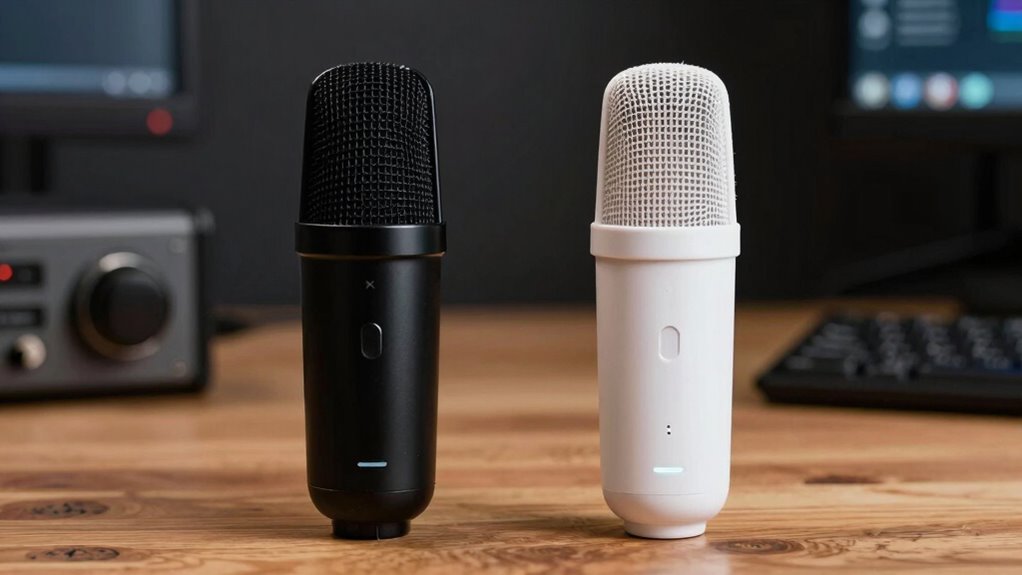
Setting up a microphone can seem intimidating at first, but the process varies considerably between XLR and USB models. USB microphones are typically plug and play, making setup straightforward—just connect and start recording. XLR microphones, however, involve more steps, including connecting to an audio interface or mixer, which increases setup complexity. Here’s a quick comparison:
| Aspect | USB Microphone | XLR Microphone |
|---|---|---|
| Plug and Play | Yes, with minimal setup | No, requires additional equipment |
| Setup Complexity | Low | Higher |
| Additional Hardware | Usually none | Audio interface, cables, etc. |
| Ease of Use | Very user-friendly | Slightly more involved |
| Flexibility | Limited to USB-compatible devices | More adaptable for professional setups |
How Flexible and Future-Proof Are XLR and USB Microphones?
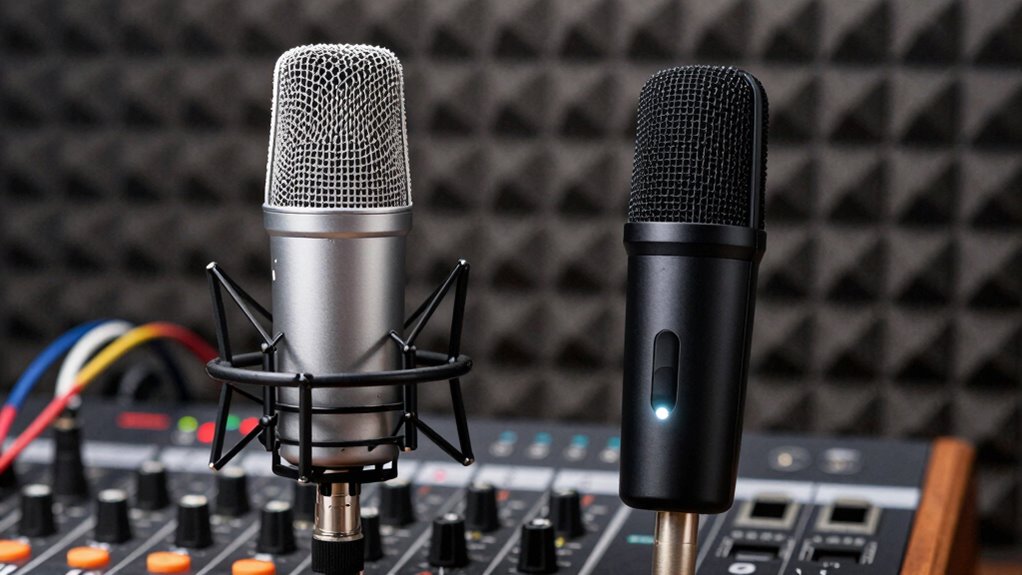
While USB microphones offer a quick and easy setup, their simplicity can limit their adaptability as technology evolves. They’re often designed for plug-and-play use, which means limited options for future compatibility or upgrades. If you want to keep pace with emerging tech, USB mics might feel restrictive, as they generally lack modular components or connection versatility. On the other hand, XLR microphones tend to have greater upgrade potential, thanks to their standardized connections and compatibility with a range of audio interfaces. This flexibility allows you to adapt your setup over time, integrating new gear or improving sound quality without replacing your entire microphone. Ultimately, if you anticipate expanding or refining your podcasting setup, XLR microphones typically offer better future-proofing.
What’s the Budget-Friendly Choice: Cost vs. Performance?
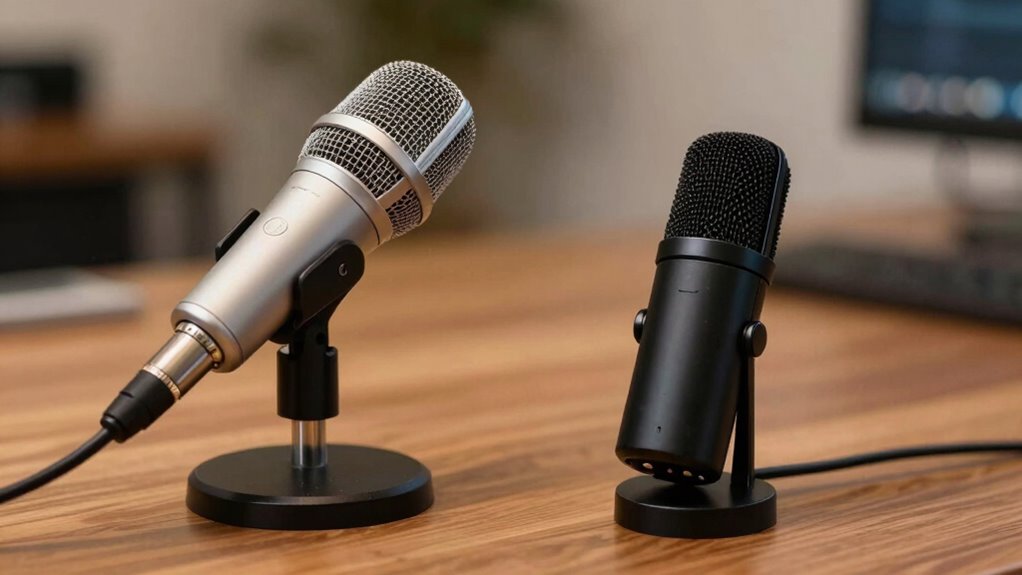
Choosing the right microphone often boils down to balancing your budget with the performance you need. When comparing XLR and USB options, a clear cost comparison helps you see where you might save. USB microphones generally cost less upfront and are easier to set up, making them the budget-friendly choice for beginners or casual podcasters. However, this often comes with performance trade-offs, such as lower sound quality or fewer advanced features. XLR microphones tend to be more expensive initially but deliver higher audio quality and greater flexibility, which benefits serious creators. If you’re on a tight budget, a good USB mic might suffice, but if you aim for professional sound, investing in an XLR setup could be more cost-effective long-term. Consider your goals carefully before making a decision, and also think about body jewelry materials for durability and comfort if you plan on long sessions. Additionally, understanding the cost-benefit analysis of each type can help you make a more informed choice aligned with your needs.
Additional Factors to Consider When Choosing a Podcast Microphone
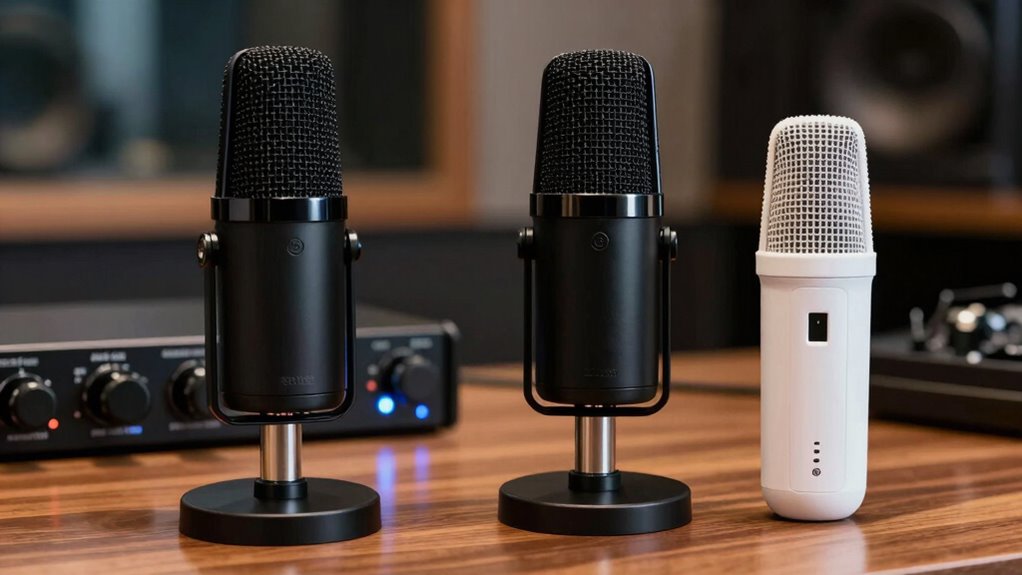
Beyond budget and basic performance, several other factors can influence your choice of a podcast microphone. Consider accessories like a pop filter to reduce plosive sounds and a sturdy microphone arm for flexible positioning. These enhance audio quality and comfort during long recordings. Think about your recording environment—if it’s noisy or cluttered, a microphone with good background rejection helps. Electric power generation can also be a useful consideration if you’re recording in remote locations without reliable electricity. Ensuring consistent performance and easy maintenance can prevent interruptions during your recording sessions. Additionally, selecting a microphone with good background rejection can significantly impact the overall quality of your recordings, especially in less controlled environments. Proper microphone placement is also crucial to optimize sound quality and minimize ambient noise.
Frequently Asked Questions
Can I Upgrade My Microphone Later Without Changing My Setup?
Yes, you can upgrade your microphone later without changing your setup if you focus on equipment compatibility. When choosing a new microphone, make sure it matches your existing recording gear, like your audio interface or USB port. Microphone upgrades are manageable if you pick models compatible with your current setup. This way, you avoid costly overhauls and keep your podcasting workflow smooth as you improve your sound quality.
How Does Mobility Differ Between XLR and USB Microphones?
Imagine you’re traveling for a podcast and need a portable setup. USB microphones are more travel-friendly because they connect directly to your laptop without extra gear, making setup quick and easy. XLR microphones, on the other hand, require additional equipment like an audio interface, which isn’t as convenient on the go. For mobility, USB mics are ideal, offering a simple, compact solution for your on-the-road recording needs.
Are There Compatibility Issues With Specific Recording Software?
You might encounter software compatibility or driver issues with certain recording software, especially with USB microphones. Some USB mics require specific drivers, which can cause problems if your software doesn’t support them or if updates alter compatibility. XLR microphones generally have fewer issues here, but you’ll need an audio interface. Always check your software’s requirements and verify your microphone’s drivers are up-to-date to avoid disruptions.
What Maintenance Is Required for XLR vs. USB Microphones?
You’ll find that maintenance routines for XLR microphones involve regular cleaning of the connectors and checking cables for wear, which helps address durability concerns. USB microphones generally require less upkeep but still benefit from occasional cleaning of the body and ensuring the USB port stays free of dust. Both types need careful handling to prolong lifespan, but XLR mics often demand more attention to their connectors and cables to maintain peak performance.
How Do I Troubleshoot Common Problems With Each Microphone Type?
To troubleshoot common problems with your microphones, first check your pop filter usage, ensuring it’s properly positioned to reduce plosive sounds. For XLR mics, inspect your cables for damage and secure connections, while for USB mics, try reconnecting or switching ports. Manage cables neatly to prevent signal issues, and test with different devices if problems persist. Regularly clean connectors and update drivers to keep your microphones functioning smoothly.
Conclusion
Choosing between XLR and USB microphones is like selecting the right brush for your masterpiece. Both can paint your podcast with clarity and depth, but your needs and vision shape the perfect fit. Think of your microphone as the voice of your story—powerful, clear, and true. Trust your instincts, weigh the options, and soon you’ll find the perfect tool to turn your passion into a symphony that resonates with your audience.
Evergreen bestsellers Picks
bestsellers
As an affiliate, we earn on qualifying purchases.