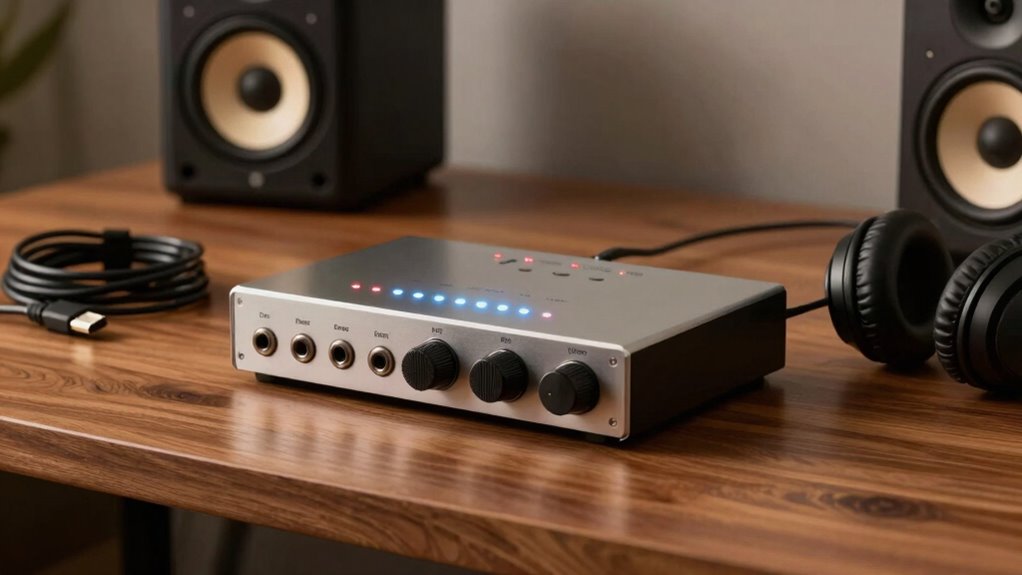

To improve your sound quality, choose an audio interface with quality preamps, good analog-to-digital converters, and enough input/output options for your needs. Place your microphone close with proper acoustic treatment to capture clear audio, and make certain your setup includes a pop filter for vocals. Proper gain staging and a well-treated environment make a big difference. Keep experimenting with your setup, and you’ll discover how to achieve professional results—there’s more to learn to perfect your sound.

Get art and craft supplies delivered free with Prime
- Fast, free delivery on millions of items
- Prime Video, Amazon Music and more included
- Member-only deals all year
Key Takeaways
- Choose an interface with high-quality preamps and transparent conversion for clear, professional sound.
- Ensure the interface has appropriate inputs for your microphones and instruments.
- Use proper microphone placement and acoustic treatment to optimize sound capture.
- Maintain proper gain staging to prevent distortion and achieve optimal audio levels.
- Connect your interface correctly and integrate it with a well-treated recording environment for best results.
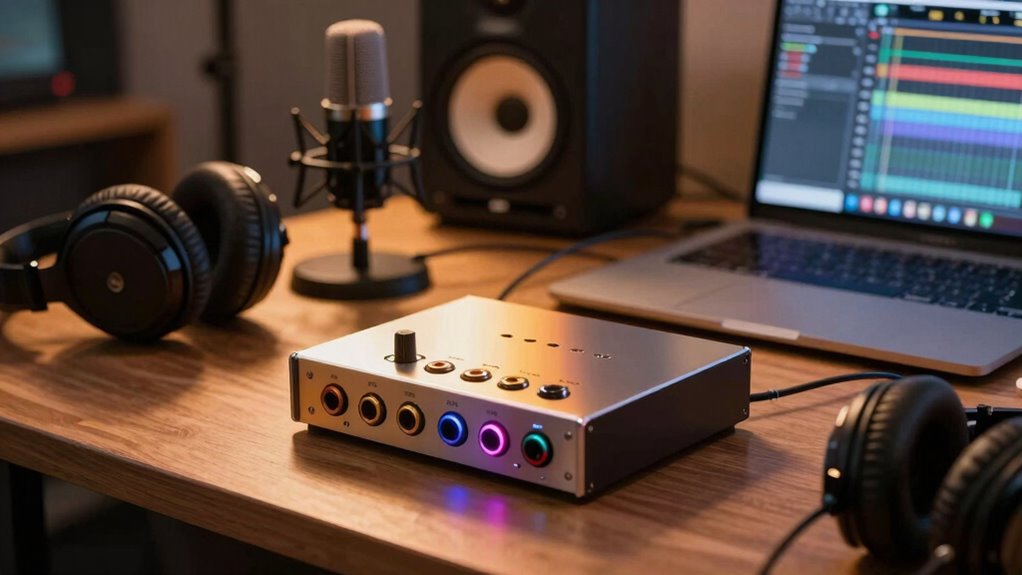
Getting started with audio interfaces can seem overwhelming at first, but understanding the basics makes the process much simpler. Your goal is to capture sound clearly and accurately, and that starts with knowing how to position your microphone properly and create a good acoustic environment. Microphone placement is essential because it directly impacts the quality of your recordings. You want to position your mic close enough to pick up your voice or instrument clearly, but not so close that it causes unwanted distortion or proximity effects. Experiment with angles and distances—usually, keeping the microphone about six to twelve inches away works well for vocals. For instruments, especially amplifiers or drums, placement becomes even more important to avoid harsh frequencies or background noise. Using a pop filter in tandem with proper distance can also help reduce plosive sounds and improve clarity.
Alongside microphone placement, acoustic treatment plays a key role in enhancing your sound quality. Even the best microphone and interface can’t compensate for a room with excessive echo or background noise. You can improve your recording environment by adding foam panels, bass traps, or even soft furnishings like curtains and carpets. These elements absorb or diffuse sound reflections, resulting in a cleaner, more professional recording. When your room is acoustically treated, your microphone picks up fewer unwanted echoes, and your audio interface can relay a more accurate sound signal. Implementing soundproofing techniques can further minimize external noise interference, making your recordings even clearer. This creates a more controlled environment, making post-production easier and your recordings more polished. Additionally, understanding audio signal processing can help you further refine your recordings and achieve a more professional sound. Being aware of the signal chain and how each component interacts can also help you troubleshoot and optimize your setup effectively. Moreover, developing an understanding of proper gain staging ensures your recordings maintain clarity without distortion. Taking the time to learn about room acoustics can significantly improve your recording quality by helping you identify and address specific issues in your space.
Once you’ve set your microphone correctly and optimized your room acoustics, your audio interface will do its job more effectively. It acts as a bridge between your microphones or instruments and your computer, converting analog signals into digital data with minimal noise. Choosing an interface with the right inputs and outputs for your setup ensures you can connect everything smoothly. Keep in mind that high-quality audio depends not just on your interface but also on consistent microphone placement and a well-treated space. This combination helps you achieve clearer, richer sound, whether you’re recording vocals, instruments, or podcasts.
audio interface with high-quality preamps
As an affiliate, we earn on qualifying purchases.
As an affiliate, we earn on qualifying purchases.
Frequently Asked Questions
Can I Use a USB Audio Interface With a Tablet or Smartphone?
Yes, you can use a USB audio interface with a tablet or smartphone, but you’ll need the right adapters or cables. Some interfaces support wireless connectivity, making setup even easier. Look for models with built-in preamps to improve sound quality. Make sure your device supports the interface’s connection type, and consider if you need additional power sources. With the right gear, you’ll enjoy professional sound right on your mobile device.
Do I Need Special Software to Operate the Audio Interface?
You don’t always need special software to operate an audio interface; many models are plug-and-play for basic digital conversion and input/output options. However, for recording or editing, you’ll likely want compatible DAW (Digital Audio Workstation) software. The interface handles digital conversion, transforming analog signals into digital data. Make certain your device’s drivers are up-to-date to guarantee smooth operation, especially if you’re using it with computers or tablets.
How Do I Connect Multiple Instruments Simultaneously?
Did you know that most audio interfaces support connecting up to four instruments simultaneously? To do this, you need to manage instrument levels and signal routing carefully. Connect each instrument to separate inputs, then adjust their levels to prevent distortion. Use your interface’s software or hardware controls to route signals correctly, ensuring each instrument is recorded clearly without interference. This setup gives you the flexibility to record multiple instruments at once.
What Is Phantom Power, and Do I Need It?
Phantom power provides the necessary power for certain microphone types, especially condenser mics, which need external power to operate. If you’re using microphones that require phantom power, your audio interface should offer +48V power supply. For dynamic microphones, you don’t need it. Check your microphone’s specifications to see if it needs phantom power, and make sure your interface supplies it if necessary. This way, you’ll get clear, professional sound quality.
Are Audio Interfaces Compatible With All Recording Software?
Think of your audio interface as a universal translator; most are compatible with popular recording software, but compatibility concerns can arise. You need to check the software requirements to guarantee your interface’s drivers or compatibility modes align. While many interfaces work seamlessly with DAWs like Ableton or Logic, some might need specific updates or settings. Always verify your chosen interface’s compatibility to keep your creative flow uninterrupted.
Conclusion
Stepping into the world of music and sound with an audio interface is like opening a door to endless creative possibilities. It’s your trusty bridge, transforming your ideas into vibrant reality. With the right interface, you’ll find your sound blossoming, each note shining brighter, every mix richer. Embrace this journey, let your passion be your compass, and watch as your soundscape unfolds like a beautiful sunrise—bright, bold, and uniquely yours.
Halloween Picks
halloween
As an affiliate, we earn on qualifying purchases.