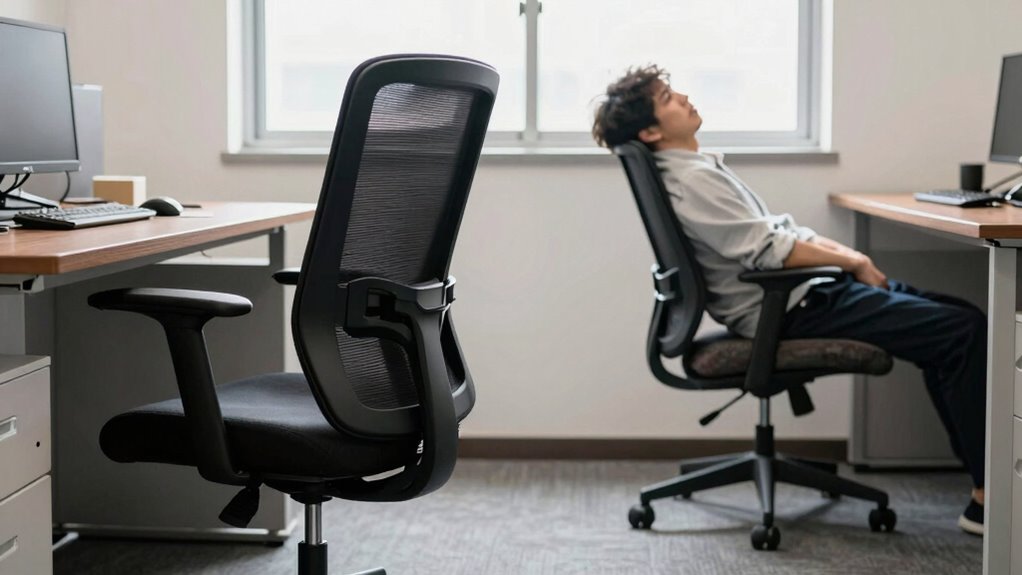

Using an ergonomic office chair helps prevent long-term health issues caused by poor posture, like back pain, herniated discs, and repetitive strain injuries. Without proper support, you risk chronic pain, costly treatments, and decreased productivity. Investing in features like lumbar support and adjustable settings encourages good posture and reduces strain on your joints and muscles. If you want to avoid the hidden costs of neglecting ergonomic design, keep exploring to learn how proper seating can protect your health.

Get art and craft supplies delivered free with Prime
- Fast, free delivery on millions of items
- Prime Video, Amazon Music and more included
- Member-only deals all year
Key Takeaways
- Poor posture from inadequate chairs can cause chronic pain, leading to costly treatments like physical therapy or medication.
- Ergonomic chairs with lumbar support help prevent musculoskeletal issues and reduce long-term healthcare expenses.
- Incorrect ergonomic setups increase risk of herniated discs and repetitive strain injuries, raising overall medical costs.
- Investing in ergonomic office chairs can improve posture, decreasing discomfort and associated healthcare costs over time.
- Prioritizing ergonomic features reduces the likelihood of long-term health problems and the financial burden of treatment.
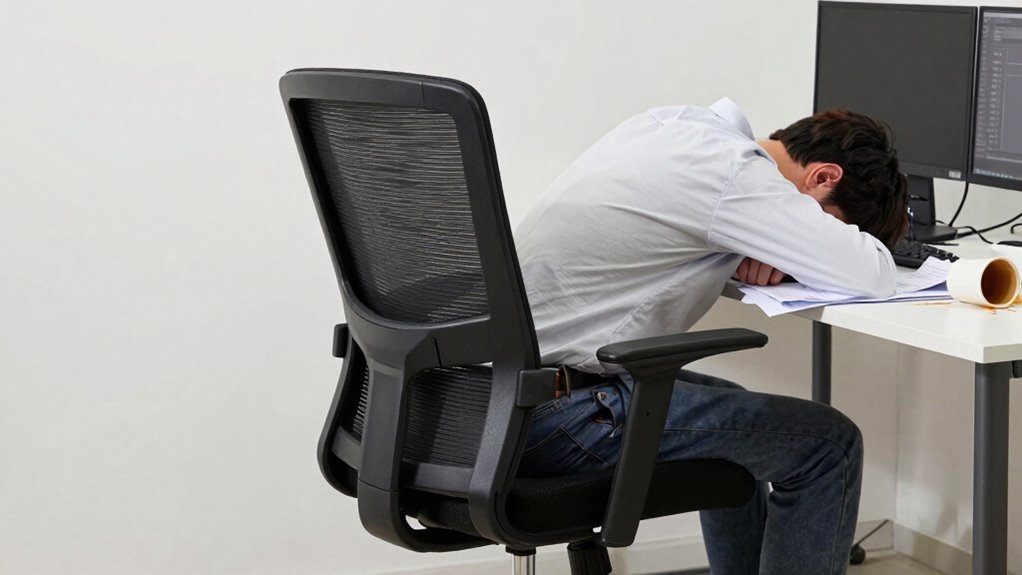
If you spend long hours at a desk, neglecting proper posture can lead to serious health issues and increased expenses over time. Sitting for extended periods without support can strain your back, cause neck pain, and contribute to long-term musculoskeletal problems. Choosing an ergonomic office chair is a smart investment to prevent these issues, especially one that offers features like lumbar support and adjustable height. Lumbar support is essential because it maintains the natural curve of your lower back, reducing pressure on your spine and decreasing the risk of developing chronic pain. When you sit properly supported, you’re less likely to slouch or lean forward, which can lead to joint strain and muscle fatigue.
Adjustable height is equally important because it allows you to set your chair to fit your body perfectly. When your feet are flat on the floor and your knees are at a right angle, you promote better circulation and reduce discomfort. If your chair isn’t adjustable, you may find yourself hunching over your desk or craning your neck to see your screen, which can cause headaches and shoulder tension. With a chair that has an adjustable height feature, you can position your seat so that your monitor is at eye level, and your arms rest comfortably on your desk without elevating or lowering your shoulders. This promotes a neutral, relaxed posture and minimizes strain on your neck and upper back.
Using an ergonomic chair with lumbar support and adjustable height isn’t just about comfort; it’s about preventing health problems that can become costly to treat later. Poor posture over time can lead to herniated discs, repetitive strain injuries, and chronic pain that might require physical therapy or medication. Additionally, ergonomic design plays a crucial role in supporting the body correctly and reducing the risk of injury. Proper ergonomic principles are based on body mechanics, which emphasize maintaining natural postures to prevent strain and injury. Incorporating correct seating posture practices can further enhance the benefits of ergonomic furniture and help maintain spinal health. Being mindful of musculoskeletal health can also encourage better habits that support long-term well-being. In fact, adopting ergonomic practices can significantly improve your comfort and productivity throughout the day. By investing in a chair that adapts to your body, you’re actively reducing the risk of these issues and enhancing your overall well-being. Plus, improved posture can boost your productivity, as you’ll feel less fatigued and more focused during long work sessions. Remember, small adjustments like setting your chair to the correct height and ensuring your lower back is supported make a significant difference. Prioritizing ergonomic features isn’t just about comfort—it’s about safeguarding your health and avoiding unnecessary expenses down the line.
Popular right now

eufy E25 Robot Vacuum and Mop Combo with HydroJet Roller Mop

Hisense 85 U6 Pro Series Mini-LED ULED 4K UHD HDR Gaming AI Smart Fire TV (85U6SF Pro)

Vitamix 5200 Professional-Grade Blender, 64 oz. Container, Black
As an affiliate, we earn on qualifying purchases.
Frequently Asked Questions
How Often Should I Adjust My Ergonomic Office Chair?
You should adjust your ergonomic office chair whenever you notice discomfort or after every few hours of sitting. Keep your chair height so your feet rest flat on the floor and your knees are at a 90-degree angle. Also, confirm lumbar support is properly positioned to support your lower back. Regular adjustments help maintain good posture, prevent strain, and keep you comfortable throughout the day.
Are Ergonomic Chairs Suitable for All Body Types?
You’ll be glad to know that many ergonomic chairs offer a universal fit, making them suitable for most body types. About 80% of users find these chairs size compatible, thanks to adjustable features. However, not all models provide the same fit, so it’s essential to verify for size compatibility and adjustable options. This guarantees you get the proper support, reducing discomfort and promoting better posture throughout your workday.
What Are the Long-Term Health Benefits of Using an Ergonomic Chair?
Using an ergonomic chair improves your long-term health by enhancing posture awareness and reducing strain. It encourages proper spinal alignment, which helps prevent chronic back and neck pain. Customizable features allow you to adjust the chair to fit your body perfectly, providing better support. Over time, these benefits can lead to increased comfort, better circulation, and decreased risk of musculoskeletal issues, making your workspace healthier and more sustainable.
Can Ergonomic Chairs Prevent Repetitive Strain Injuries?
Sure, ergonomic chairs are practically superheroes against repetitive strain injuries. With features like lumbar support and adjustable height, they actively protect your back and wrists from the villainous effects of repetitive movements. By customizing your chair to fit your body, you reduce strain and prevent injuries. So, yes, investing in one can save you from the pain and hassle of RSI, making your workday smoother and less punishing.
How Do I Know if My Posture Is Correct While Sitting?
You can tell if your posture is correct by doing a quick posture assessment: keep your feet flat on the ground, knees at a 90-degree angle, and your hips slightly higher than your knees. Sit back in your chair, adjusting it so your lower back is supported. Make chair adjustments to keep your shoulders relaxed and your monitor at eye level. Regular checks help guarantee proper alignment and reduce strain.
Conclusion
So, next time you skimp on an ergonomic chair, don’t be surprised when your back starts to protest loudly. After all, spending a little extra now might save you a fortune—and some dignity—later. Who knew that sacrificing comfort for a few bucks could turn your office hours into a painful reminder of bad choices? Ironically, investing in good posture today means fewer expenses—both financially and physically—tomorrow. It’s a small price to pay for a pain-free life.